


Open a HEIC file in three steps
- 1
Drop the file
Drag the .heic or .heif file onto the box above, or click Choose Files.
- 2
View it
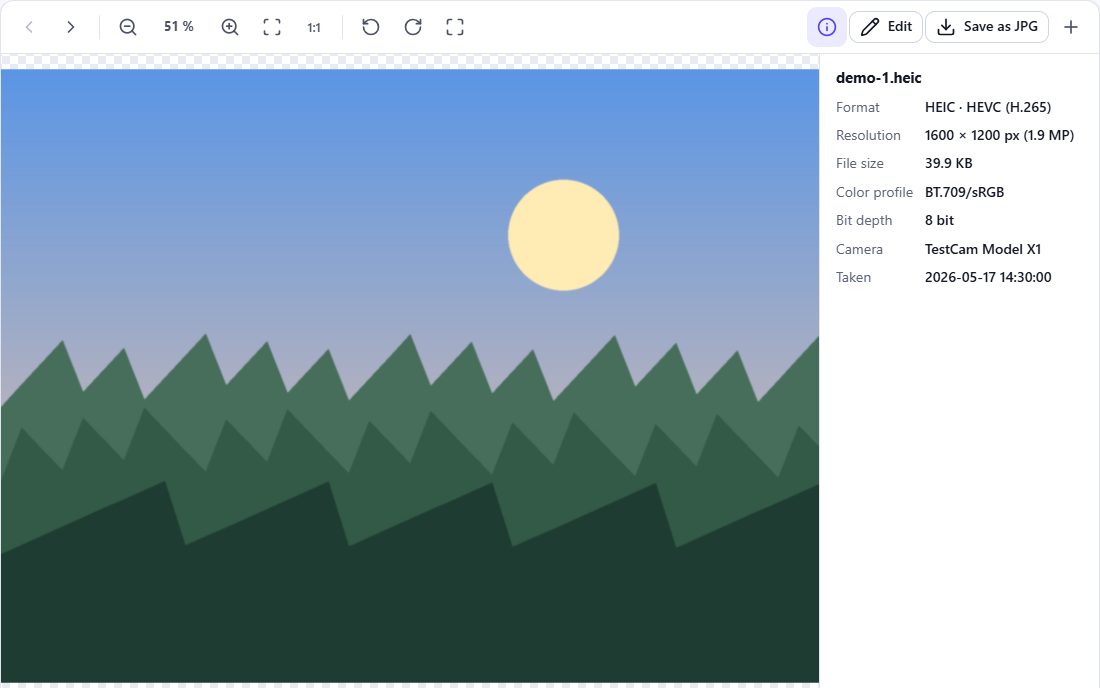
The photo opens in the viewer – zoom, rotate and see the details.
- 3
Convert if you need
Click Save as JPG to get a file that opens everywhere.
What is a HEIC file?
HEIC is Apple’s name for photos stored in the HEIF container with HEVC (H.265) compression. iPhones use it by default since iOS 11. It offers good quality at small file sizes and supports features like depth maps and multiple images in one file – but not every program can read it.
Opening HEIC on different systems
- Windows 10/11 – the Photos app needs the “HEIF Image Extensions” and “HEVC Video Extensions” from the Microsoft Store (the HEVC extension may be paid). Browsers on Windows cannot open HEIC.
- Android – recent phones open HEIC in Google Photos; older ones may not.
- macOS and iOS – Photos, Preview and Safari open HEIC natively, and so does this page in Safari.
- Linux – image viewers with HEIF support (libheif) open HEIC; support depends on the distribution.
Stop your iPhone creating HEIC
On iPhone go to Settings → Camera → Formats and choose Most Compatible. New photos are then saved as JPG. Already taken photos stay HEIC – convert them with the HEIC to JPG converter or the batch converter.
Frequently asked questions
Is it safe to open HEIC files online?
On HEIC Studio, yes: the file is opened inside your browser and not uploaded. Be careful with services that upload your photos to a server.
Can I open HEIC without installing anything?
On iPhone, iPad and Mac, yes – Photos, Preview and Safari open HEIC. On Windows you need the extensions from the Microsoft Store; on Linux an image viewer with HEIF support.
Why does my HEIC file have a .HEIF extension?
HEIF is the container format, HEIC is the variant with HEVC compression. Both extensions are used; this viewer opens both.
What if the file is not really a HEIC?
HEIC Studio detects the actual format from the file content. A JPG with a .heic extension simply opens as a JPG.